
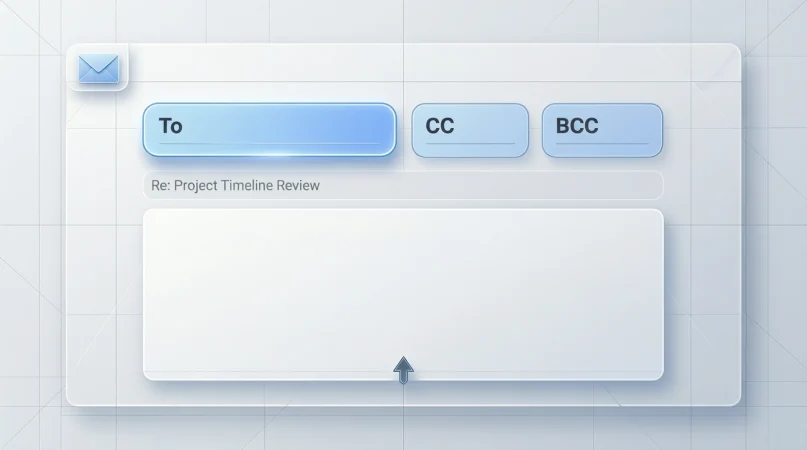
Email is still the most important professional communication tool in the world. Yet many people are confused when they see CC in the email field and ask, what does CC mean in email?
If you use Gmail, Outlook or any business email platform, understanding CC is essential for professionalism and clarity.
In this detailed guide, you will learn the exact meaning of CC, when to use it, how it is different from BCC and TO, common mistakes, real examples and proper email etiquette.
What Does CC Mean in Email?
CC stands for Carbon Copy.
In the early days of typewriters, carbon paper was used to create duplicate copies of letters. In digital email, CC is the modern version of that copy system.
When you add someone in the CC field, you are sending them a copy of the email for information only. They are not the main recipient, but they are kept in the loop.
Key meanings of CC in email
- Sends a visible copy of the email
- Used for transparency and information sharing
- All recipients can see who is CC’d
- Not required to reply unless necessary
How CC Works in Real Email Conversations
When you place an email address in the CC field, it means
- They are included in the conversation
- They can reply to all recipients
- Everyone can see their email address
Example
TO: manager@company.com
CC: teamlead@company.com
This tells the team lead that the message was sent and they are aware of it.
CC vs TO Field Explained Clearly
| Field | Purpose |
|---|---|
| TO | Main person who must respond or take action |
| CC | People who only need information |
| BCC | Hidden copy not visible to others |
Use TO for responsibility and CC for awareness.
When Should You Use CC in Email?
Use CC when
- You want your boss to stay informed
- You are including a project member for transparency
- You are looping in another department
- You want to show professional communication flow
Never use CC to embarrass or pressure someone publicly.
Common CC Mistakes That Damage Professional Image
Many people misuse CC. Here are mistakes to avoid
- Adding too many people unnecessarily
- CC’ing senior staff for small matters
- Using CC to show anger or complaint
- Forgetting email privacy rules
CC is a tool of respect and clarity, not power.
CC vs BCC Full Comparison
| CC | BCC |
|---|---|
| Visible to all recipients | Hidden from others |
| Used for transparency | Used for privacy |
| Good for internal communication | Good for newsletters |
| Can reply all | Cannot be seen |
Real Business Email Examples
Example 1
You email your manager and CC your supervisor to keep both informed.
Example 2
You send a project update to your client and CC the design team.
These examples show professional and transparent communication.
Email Etiquette Rules for Using CC
- Ask yourself if the person really needs the information
- Keep CC list short
- Respect privacy of recipients
- Use BCC for large groups
Professional email behavior builds your reputation.
FAQs
What does CC mean in email?
It means Carbon Copy and sends a visible copy to additional recipients.
Should I reply to CC emails?
Only reply if your input is required.
Can everyone see CC recipients?
Yes CC recipients are visible to all.
Is CC rude?
No but misuse of CC can look unprofessional.
Conclusion
Now you clearly understand what does CC mean in email. It is not just a technical field, it is a communication signal that shows awareness, transparency and professionalism.
Use CC wisely and your emails will become clearer, cleaner and more respectful.

“Explore the life and works of William Austen, his impact, and legacy in literature.”